Collect & organise media
Bring incoming media into a library people can use.
Receive images and video from people, cloud drives and applications, and have them described and findable the moment they land. Give the next person a library they can search and reuse.
Book a demo to discuss and begin a custom evaluation. Start a free trial – no credit card required.

The work behind the outcome
Media arrives from everywhere, then waits to be sorted.
Photographers send links, partners use shared drives and an app collects its own files. FileSpin gives all of them one way in and does the first round of describing, so your team isn’t sorting by hand.


Intake
Stop chasing files across inboxes, links and drives.
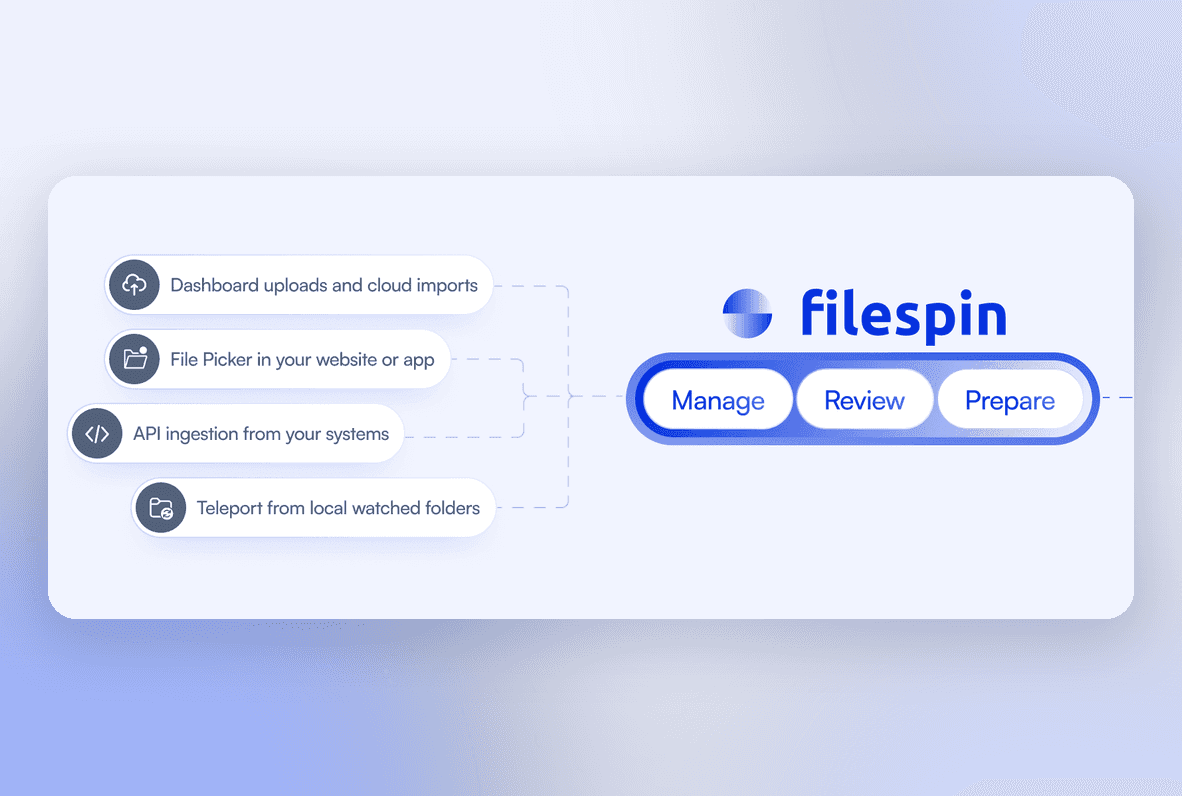
Upload in the dashboard, pull files from Dropbox, Google Drive, Box or OneDrive, or add an upload window to your own website or app. Contributors send media the way that suits them, and it all lands in one library.

Automatic description
Let every file describe itself the moment it lands.
FileSpin recognises objects, scenes, logos and landmarks, reads the text inside images and groups faces so you can search by person. Your team checks the suggestions and adds the fields that matter to your organisation.
Search and reuse
Find the right file in seconds, not after a folder hunt.
Search by keyword and filter by any field, from campaign and product to person or place. Duplicate detection catches copies before they clutter the library, and Collections keep a working set together for the next job.

AI Agent / optional workflow
Let the AI Agent tidy up the metadata.
Ask the AI Agent to tag a selected set, fill in missing fields or update metadata across thousands of assets. It works within your permissions, and every change it makes can be undone.


Questions
A few useful answers.

Explore another route