Review & share assets
Take assets from review to a clear, approved handoff.
Give clients and colleagues one place to preview media, leave feedback and make an approval decision. Then deliver the agreed files through a Branded Share Page, with the access and download controls you choose.
Book a demo to discuss and begin a custom evaluation. Start a free trial – no credit card required.

The work behind the outcome
The file is attached, but the decision is somewhere else.
When you coordinate image and video approvals with clients, agencies, partners or colleagues, feedback gets split between email, chat and downloaded copies. People are left asking which version was approved and which files they should use. FileSpin keeps the review attached to the media and gives the final handoff a clear place to land.


01 / Prepare
Send the work you want reviewed.
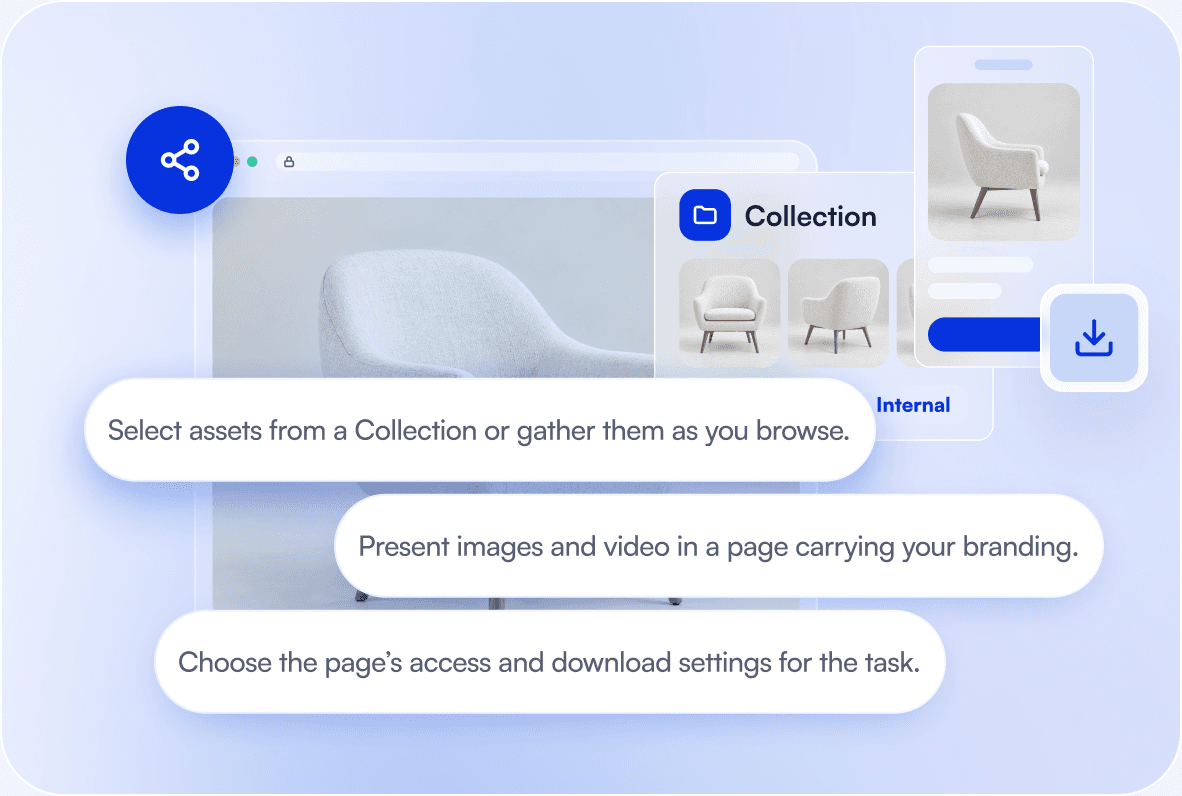
Gather the relevant assets from your library and create a Branded Share Page for the intended audience. Keep the set focused on the decision at hand: a campaign selection, product-image batch, partner kit or client delivery.

02 / Review
Keep feedback beside the version being reviewed.
Reviewers can comment and approve or reject assets on the Branded Share Page. Use watermarked previews when the clean original should remain protected until sign-off. Set the decision you need and let the reviewer inspect the media in context.
03 / Share
Make the final delivery as clear as the review.
Once the assets are approved, provide the agreed files through the Branded Share Page. Recipients can preview and download from a page that explains what they have been sent, instead of hunting for the right attachment in a long conversation.

AI Agent / optional workflow
Let the AI Agent prepare the review for you.
Ask the AI Agent to gather a selected asset set and create a Branded Share Page for review. Check the selection and settings before sharing it. The agent helps prepare the work; the approval decision stays with the reviewer.


Before you begin
Questions about asset review and sharing

Explore another route